ChickyTutor for Android
Practise speaking on your Android phone.
Talk with your AI tutor face to face, in the language you’re learning. Answer out loud, get a gentle correction when you need one, and try again straight away.

Requires Android 7.0 or later. Works on phones and tablets. Free to download; some features need a subscription.
Prefer your browser? Practise on the web
Inside the app
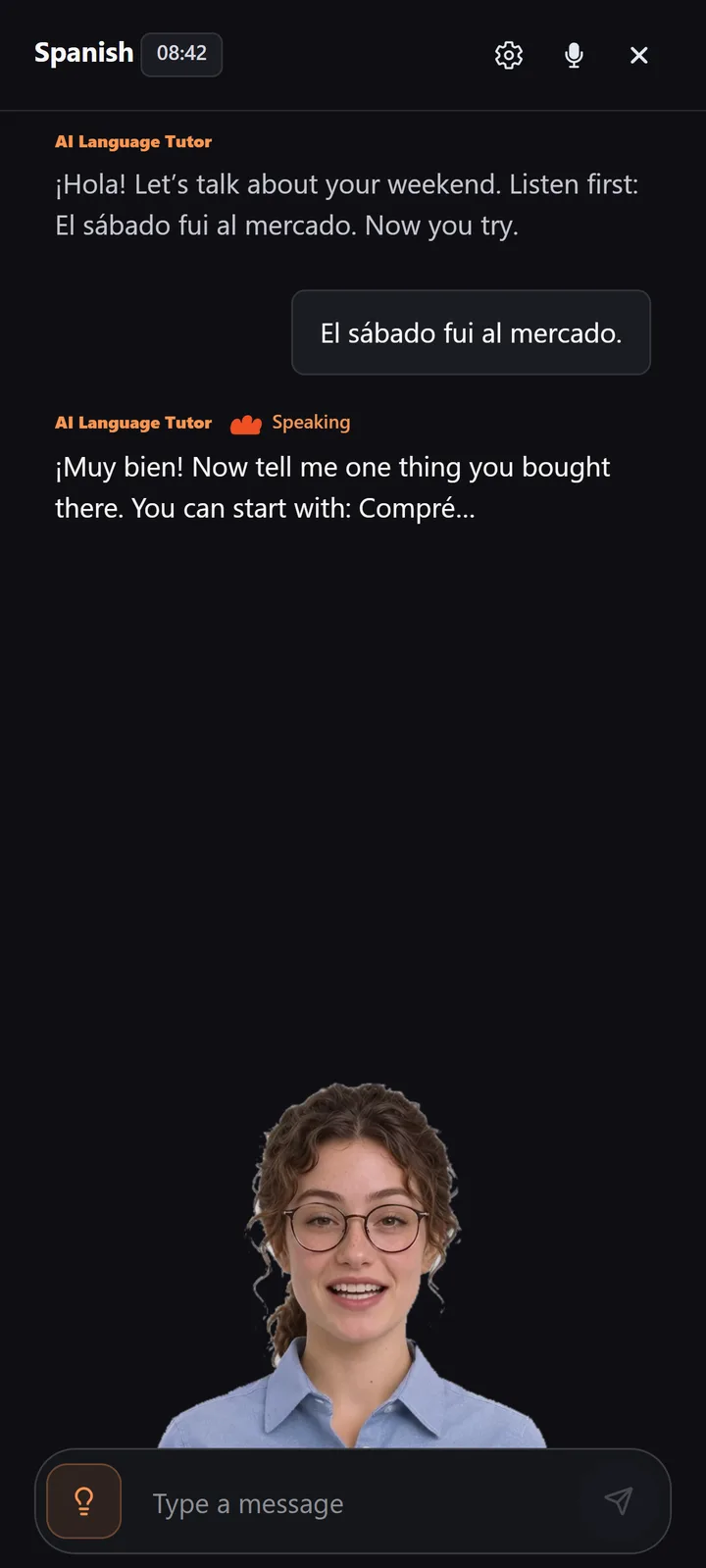
A real conversation, one turn at a time.
Choose your language and level, then talk it through with your tutor. When something needs fixing, you hear how to say it and get another go.
01
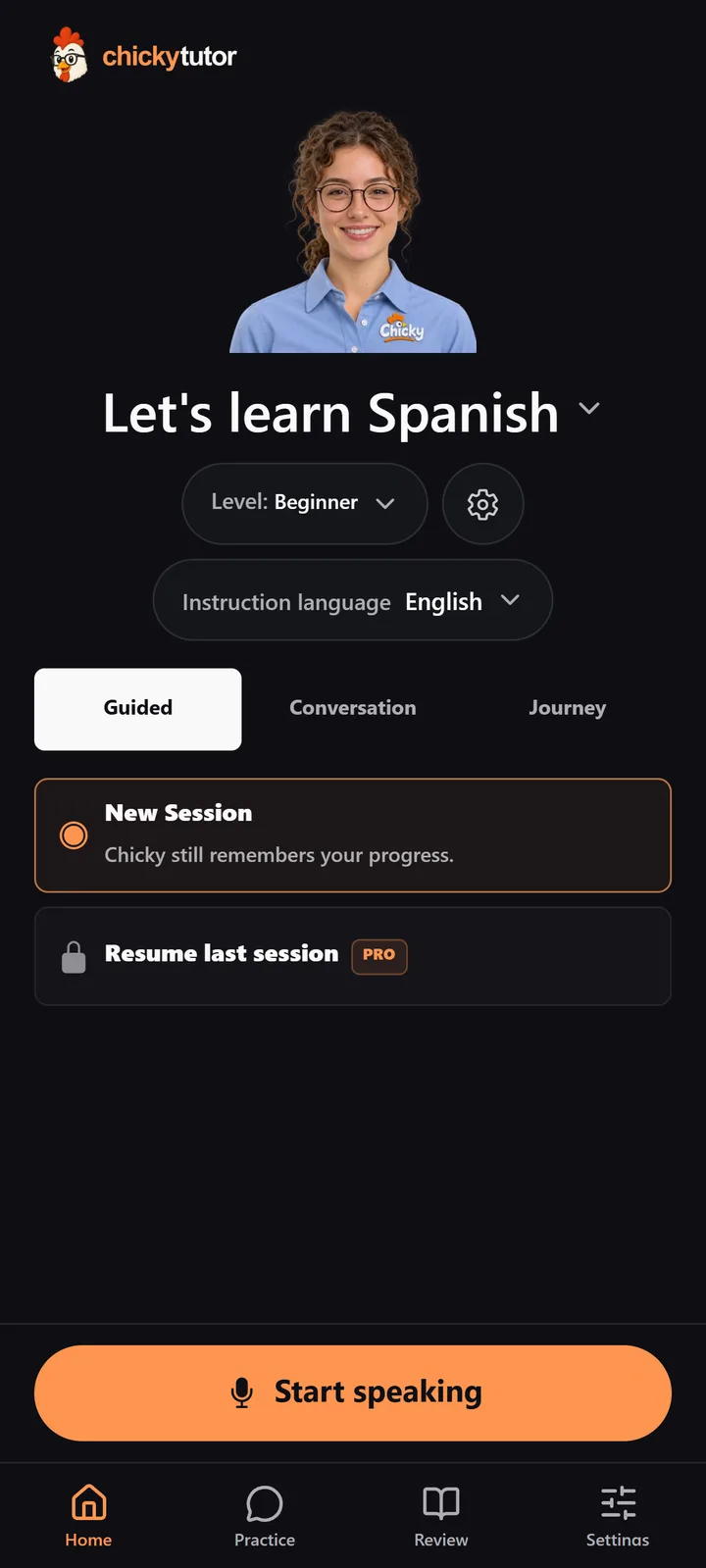
Choose what to practise
Pick your language, level and mode, then start speaking.
02
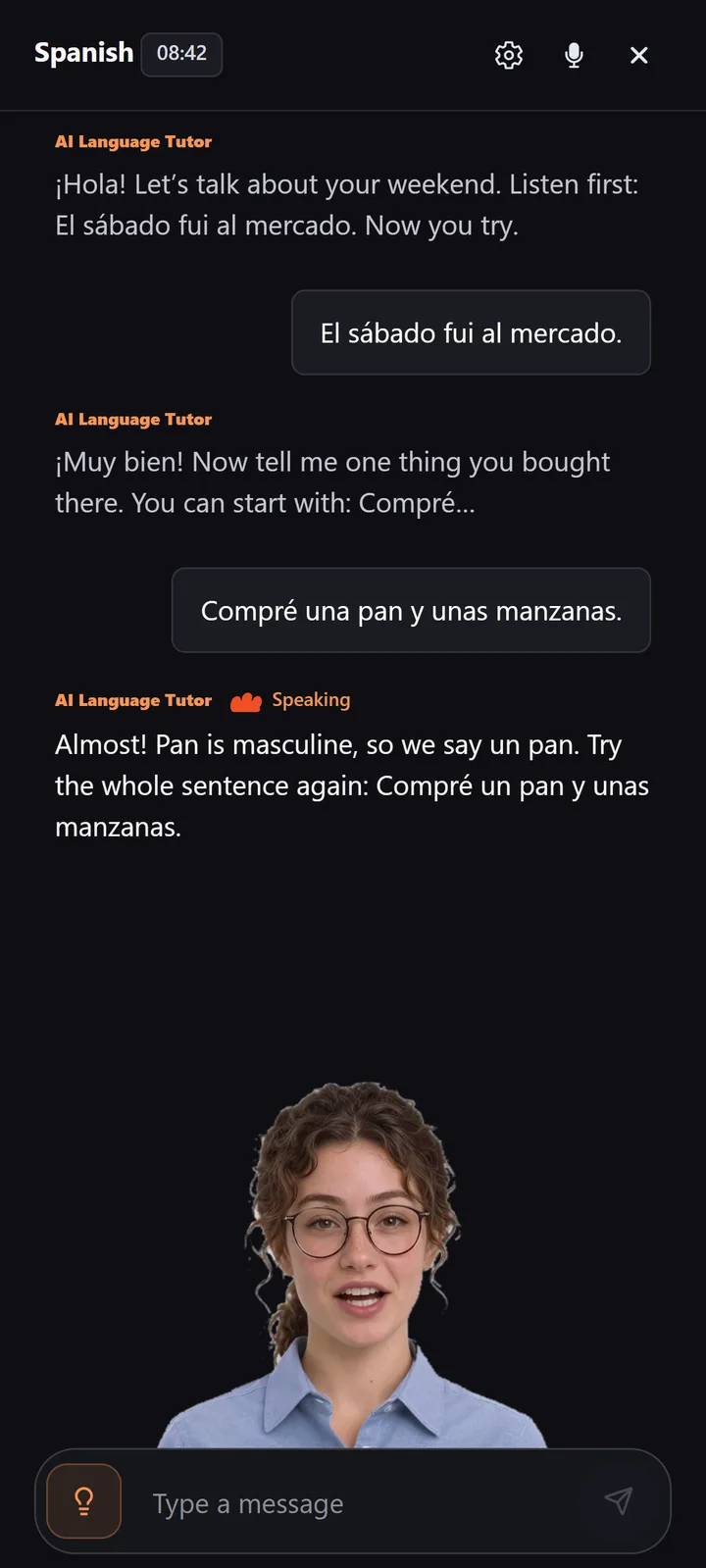
Get feedback, try again
A gentle correction, then a fresh try straight away.

03
Go full screen
Swipe up on your tutor for a close-up view, with subtitles.
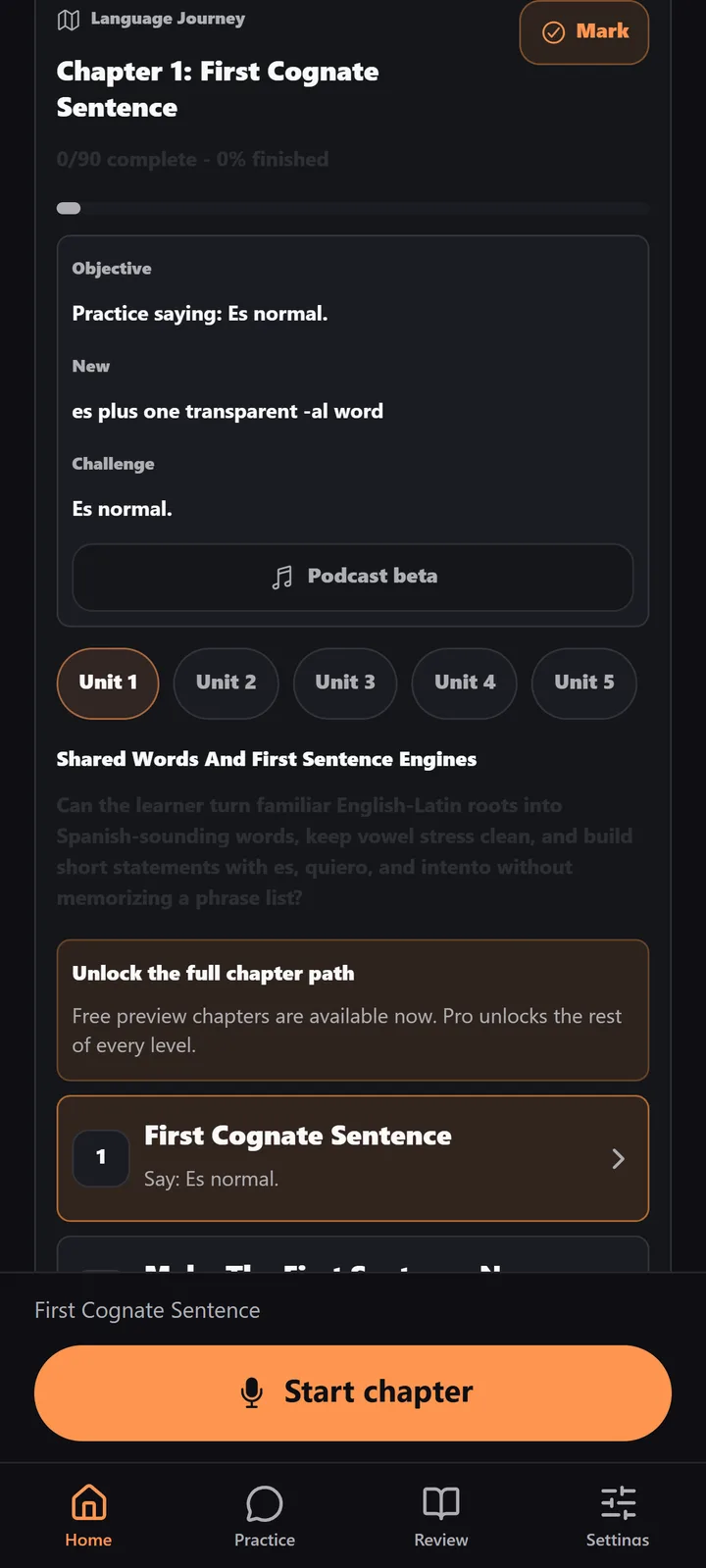
04
Follow a guided path
Journey chapters build your speaking step by step.
Screens from the app with a sample Spanish lesson.
See how it works
See a lesson in action.
A learner answers in French, the tutor suggests a better word, and the learner tries again. That’s the rhythm of every lesson: speak, get feedback, say it again.
The details
Made for your phone.
Your account works on the web too, so you can keep practising wherever you are.
Looking for the iPhone and iPad app?- Sign in with Google
- One tap with your Google account, or use email.
- Full-screen tutor
- Swipe up for a close-up view with subtitles.
- Subscriptions through Google Play
- Manage or cancel in the Google Play app.
- Your mic, your choice
- The app asks for the microphone when you start speaking.
Good to know
Before you download.
Which devices are supported?
Android phones and tablets with Android 7.0 or later.
How do subscriptions work on Android?
Subscriptions are bought through Google Play. You can manage or cancel them in the Google Play app.
Is the app free?
ChickyTutor is free to download, and you can start with a free practice allowance. A subscription unlocks more practice and Pro features, such as resuming your last session.
Will I see my tutor on screen?
On supported phones and tablets, your tutor appears on screen and talks with you. On other devices, lessons are voice-only, with the full transcript.
Can I use the same account on the web and in the app?
Yes. Sign in with the same account to keep your course and practice history in one place.
Which languages can I practise?
Choose from many languages, including Spanish, French, German, Italian, Japanese, Korean, Chinese and Dutch. Journey chapters are available for selected languages.
Do I need an internet connection?
Yes. Your tutor works online, so lessons need a connection.
Your turn
Your next conversation is a tap away.
Download ChickyTutor, choose your language and level, and start speaking.
Prefer your browser? Practise on the web